Resize Image to 20 KB
Easily reduce image file size to meet strict 20 KB limits for passport photos, government forms, and online applications.
Drag & drop image anywhere on page (desktop)
Resizing…
Resize Image to Exactly 20 KB or Under 20 KB
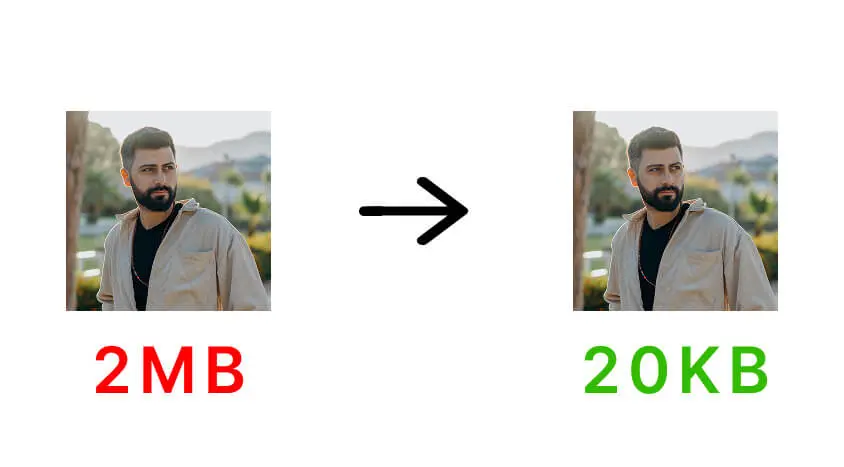
FastResize helps you resize image to 20 KB or under 20 KB online without installing any software. This small file size is commonly required for passport photos, government forms, exam applications, and identity verification uploads.
The tool automatically adjusts image dimensions and compression to meet strict size limits while keeping faces and text readable. All processing happens locally in your browser, ensuring full privacy.
If your upload allows a slightly larger size, you can also try Resize Image to 50 KB or Resize Image to 100 KB for better visual quality.
Frequently Asked Questions
How do I resize an image to 20 KB?
Upload your image, choose the 20 KB option, and click the resize button. The tool will automatically reduce file size while keeping important details visible.
Why do government forms require images under 20 KB?
Many government and examination portals enforce very small file sizes to reduce server load and ensure faster uploads, especially during high-traffic periods.
Will image quality be affected at 20 KB?
Some compression is unavoidable at very small sizes, but FastResize prioritizes clarity so faces, signatures, and text remain readable.
Is this 20 KB image resizer free to use?
Yes. FastResize is completely free and does not require any signup or software installation.
Are my images uploaded to any server?
No. All image resizing happens locally in your browser. Your files are never uploaded or stored anywhere.