Resize Image to 50 KB
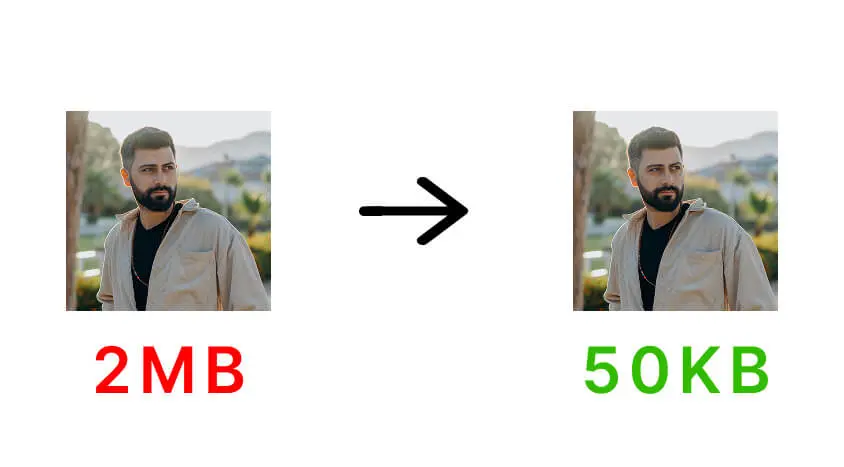
Quickly reduce image file size to meet 50 KB limits for job applications, government forms, email attachments, and website uploads.
Drag & drop image anywhere on page (desktop)
Resizing…
Resize Image to Exactly 50 KB or Under 50 KB
FastResize allows you to resize image to 50 KB or under 50 KB online with high accuracy and minimal quality loss. This file size is commonly required for job application portals, government forms, website uploads, and email attachments.
The tool automatically adjusts image dimensions and compression to achieve the required size while keeping text, faces, and important details clear. All processing happens locally in your browser, so your images are never uploaded to any server.
If your upload allows a larger size, you may also try Resize Image to 100 KB or Resize Image to 200 KB. For very strict limits, see Resize Image to 20 KB.
Frequently Asked Questions
How do I resize an image to 50 KB?
Upload your image, choose the 50 KB option, and click the resize button. FastResize will automatically reduce the file size while preserving image clarity.
Why is 50 KB commonly required?
Many job portals, online forms, and email systems limit image uploads to around 50 KB to ensure fast uploads and reduce server load.
Will resizing to 50 KB affect image quality?
Some compression is applied, but FastResize balances file size and quality to keep images readable and visually clear.
Is this 50 KB image resizer free to use?
Yes. FastResize is completely free and works directly in your browser without requiring any signup or installation.
Are my images uploaded or stored?
No. All image processing happens locally in your browser. Your images are never uploaded or saved on any server.