Resize Image to 200 KB
Resize images online to meet strict 200 KB size limits for documents, certificates, profile photos, and website uploads.
Drag & drop image anywhere on page (desktop)
Resizing…
Resize Image to Exactly 200 KB or Under 200 KB
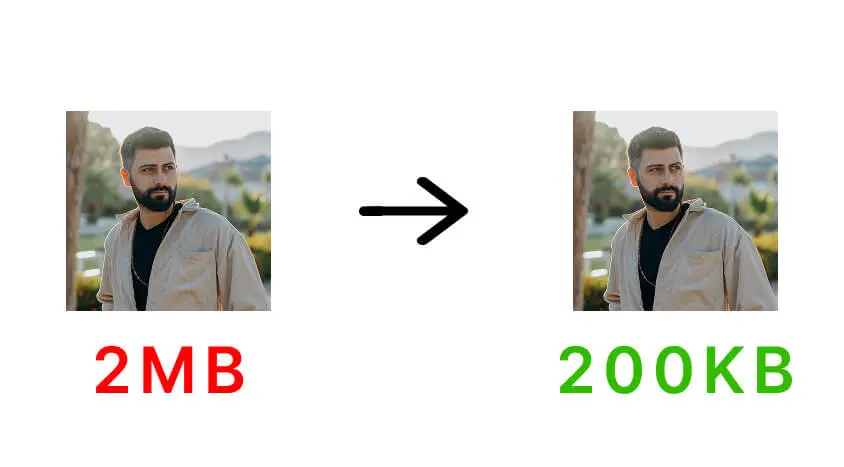
FastResize helps you resize image to 200 KB or under 200 KB quickly and accurately. This file size is commonly required for document uploads, certificates, profile photos, website images, and various online application forms.
If your image needs a smaller file size, you can also use our Resize Image to 100 KB tool or the Resize Image to 50 KB tool for stricter size limits.
For very strict requirements such as passport photos and government portals, try the Resize Image to 20 KB option. All image resizing happens directly in your browser, ensuring complete privacy and fast performance.
Frequently Asked Questions
Why do some websites require images under 200 KB?
Many websites and application portals set a 200 KB limit to balance image quality with fast uploads and reduced storage usage.
Is 200 KB suitable for documents and certificates?
Yes. A 200 KB image usually provides enough clarity for documents, certificates, profile photos, and website uploads.
Will resizing an image to 200 KB reduce quality?
Some compression is applied, but FastResize prioritizes visual clarity so text and important details remain readable.
Can I resize a large image to 200 KB?
Yes. Even high-resolution images can be resized to 200 KB by intelligently adjusting dimensions and compression.
Does the 200 KB image resizer work on mobile devices?
Yes. FastResize works smoothly on mobile phones, tablets, and desktops without requiring any app installation.
Are images stored after resizing?
No. Images are processed locally in your browser and are never uploaded or saved on any server.